
Aspect Code: Giving AI Assistants the Context They're Missing
AI coding tools break tests and ignore your architecture. Aspect Code gives them structured context so they write code that actually fits.

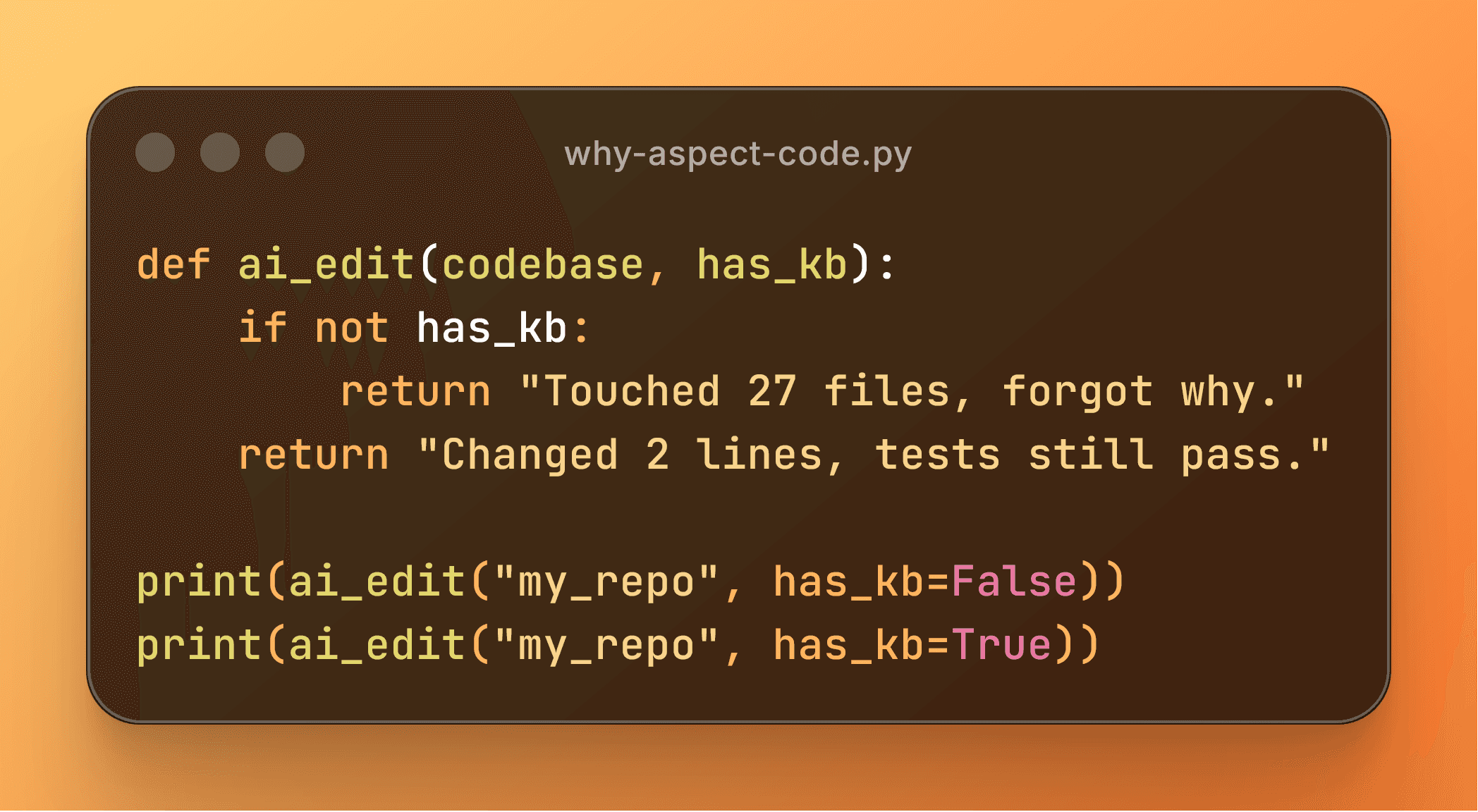
A lot of people are excited about AI coding tools.
A lot of people are also annoyed by them.
The complaints are pretty consistent:
- Cursor or Copilot rewrites half a file to fix a small bug.
- An assistant burns thousands of tokens “reading” your codebase and still breaks tests.
- You get something that technically works, but it’s messy and clearly not how the rest of your system is written.
That’s the backdrop for Aspect Code.
When I looked at my own experience and what devs were posting, I kept coming back to three categories of pain:
- Breaking existing things — changes that pass at first glance but quietly break tests, invariants, or edge cases.
- Going off the rails — big, unnecessary refactors when you really just needed a small, local change.
- Long-term technical debt — code that “works” but is inefficient or spaghetti-like, and doesn’t match the rest of the project.
All three point at the same root issue:
AI tools usually don’t have any structured understanding of your codebase. They see tokens in a window, not the architecture you’ve actually built.
LLMs are good at patterns, bad at structure
Humans have a rough split between fast, pattern-based thinking and slower, more deliberate reasoning. LLMs are extremely strong at the first one. They’re great at “this looks like that,” and they’ve seen a lot of code.
What they don’t have is a grounded model of your system:
- which modules are stable vs experimental
- which services depend on which layers
- what assumptions are baked into a couple of critical flows
We’re also probably not getting rid of all hallucinations. Bigger models help, better prompts help, but the underlying mechanism is still statistical prediction.
So Aspect Code doesn’t try to turn an LLM into something it’s not. Instead, the idea is:
Give the model a structured description of your codebase, and let it use its pattern-matching ability on top of that.
Not “make the LLM symbolic,” but “give it a symbolic map it can read.”
A note on knowledge bases
I briefly worked at Cycorp, which builds a large, logic-based knowledge base about the world. The goal there is to encode facts and rules in a form that supports real reasoning: if X and Y are true, Z must follow.
Aspect Code is not that, and it’s worth being clear about the difference.
- Cyc (Cycorp's software) works directly with the logical KB as the core runtime.
- Aspect Code currently abstracts its internal knowledge into a set of markdown files (
architecture.md,deps.md, etc.).
That’s a compromise, but a deliberate one:
- Most AI developer tools today expect text as the interface: prompts, instructions, files.
- LLMs are actually quite good at writing code if you can describe the architecture and constraints to them clearly.
- Integrating a full logical reasoner into every agent stack is overkill for where the ecosystem is right now.
So Aspect Code builds a richer internal model (dependency graph, symbol graph), then exports that into a form that:
- Fits how current agents are built, and
- Is still usable directly by humans in an editor.
If the infrastructure for agents evolves to support more native KB integration, there’s room to push that direction. For now, “high-quality descriptions + consistent structure” already move the needle a lot.
What Aspect Code actually does
Under the hood there are two closely connected halves:
the engine (analysis + findings) and the surfaces (KB files + VS Code UI + agent prompts).
Engine: analysis and findings
Aspect Code parses your repo (Python, TypeScript/JavaScript, Java, C# to start) and builds:
- A dependency graph: which files and modules depend on which others, fan-in/fan-out, cycles, hubs.
- A symbol graph: functions, classes, methods, and the call relationships between them.
- A set of rules focused on things that matter in real projects, like:
- circular dependencies and critical hubs
- potential bugs and misuse patterns
- security smells
- complexity hotspots
- test quality issues
- change-impact (“if you touch this, where does it propagate?”)
These findings aren’t just a side feature. They’re important for two reasons:
- They show you where the codebase diverges from its own patterns or expectations. Those are the places an LLM is most likely to get confused and break something.
- They feed into the knowledge base we generate. The KB doesn’t just say “file A calls file B”; it can also say “this file is a critical dependency” or “this bit of code is risky.”
As a concrete example:
If you have a critical authorization check in one module, and several other modules call around it or reimplement parts of it, Aspect Code can:
- flag that as a potential issue, and
- encode in the KB that “this function is part of the main auth flow” and “these other call sites are risky.”
That’s useful for you when refactoring, and useful for an LLM trying not to accidentally skip security checks.
Surfaces: KB files, VS Code UI, and agents
From that engine, Aspect Code generates:
.aspect/ knowledge base
The KB lives in .aspect/ and contains 3 focused files:
1. architecture.md — The Guardrail
Defensive guide to project structure and "do not break" zones:
- High-risk hubs — files with many dependents, ranked by impact score
- Entry points — HTTP handlers, CLI commands, main functions
- Directory layout — folders with inferred purpose
- Circular dependencies — bidirectional imports creating tight coupling
2. map.md — The Context
Dense symbol index for complex edits:
- Data models with signatures — ORM models, Pydantic classes, TypeScript interfaces
- Symbol index — functions, classes, exports with "called by" relationships
- Conventions — naming patterns and framework idioms
3. context.md — The Flow
How data and requests move through the system:
- Module clusters — files commonly imported together
- Critical flows — most central modules by connectivity
- External integrations — database connections, API clients, message queues
- Request flow patterns — architectural diagrams (Client → Routes → Services → Models)
These are:
- Readable by humans (you can just open them in your editor), and
- Structured enough that an LLM can use them as a quick summary instead of scanning the entire repo every time.
VS Code extension
There’s also an interactive extension that sits on top of the same data:
- A findings view that lists high-value issues, with links back into the code.
- An interactive dependency graph, so you can see how files and modules connect, who depends on what, and where the hubs are.
- Auto-fix for some findings, where it’s safe and mechanical enough to do so.
- An Agent button that generates prompts for you:
- explain the current file in the context of the whole repo
- create a task prompt that references the right flows and modules
- propose high-value fixes based on existing findings
The point of the Agent button is that you shouldn’t have to open yet another chat, remember all the right context, and hand-craft a great prompt. The extension already has the graph and the findings; it can assemble that into something useful for your assistant.
Agent integrations
On top of that, Aspect Code generates instruction files for tools like:
- Copilot (
.github/copilot-instructions.md) - Cursor (rules files)
- Claude (a
CLAUDE.mdor similar)
Those instructions tell the assistant, in plain language:
- where to look for architecture and dependency information,
- which files and flows are sensitive,
- and that it should prefer small, local changes over broad, speculative refactors.
Again, the engine is the same; I'm just exposing it in different forms: markdown for agents, UI and graphs for humans.
Why this approach (and not something bigger or smaller)
There’s a long-term vision here:
a structural layer that any AI agent can rely on to understand and safely modify a codebase.
But right now, Aspect Code is intentionally scoped:
- It doesn’t try to be a universal ontology for all software.
- It doesn’t require you to adopt a whole new agent framework.
- It works with the tools people already use and the interfaces they already have (files, instructions, editor extensions).
The bet is that a good, consistent representation of a single repo can:
- reduce broken tests,
- reduce unnecessary changes, and
- reduce the cost of getting “enough context” to make a safe edit.
And we can do that without asking you to rebuild your workflow from scratch.
Next steps
Aspect Code is aimed at people who are already using AI to write code:
- startups and solo founders, especially in web dev
- small teams that lean heavily on Cursor / Claude / Copilot
- “vibe coders” who like exploring with AI but don’t want to wreck their codebase in the process
If you recognize the patterns at the top of this post—broken tests, over-eager refactors, weird technical debt introduced by your assistant—then you’re basically the target audience.
The short-term focus is simple:
- make the analysis and findings better,
- make the KB more useful (for both humans and LLMs), and
- make it easy to plug into the agents you already use.
Enter your email on the home page to be notified of releases, or check out the most recent benchmark.