Gitignore Options

Control which generated files are committed to version control.

Choosing what to commit

After generating instruction files, Aspect Code asks whether you want to add them to .gitignore.
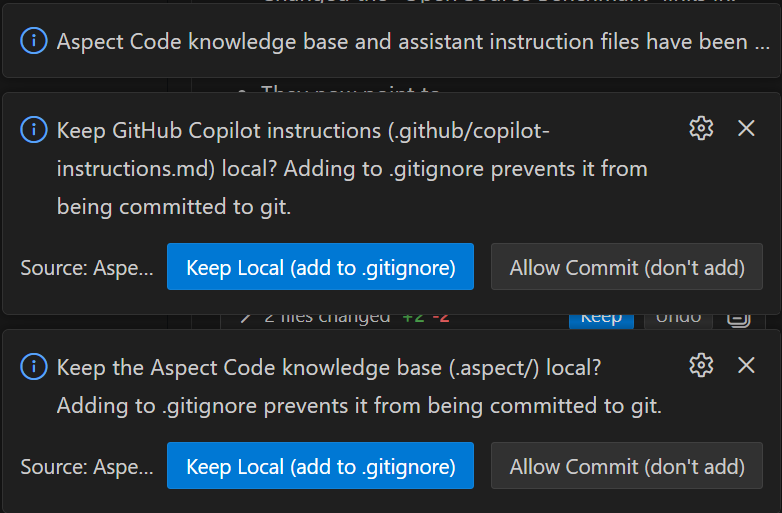

Gitignore Options

For each generated file, choose:

  • Keep Local (add to .gitignore) — The file stays on your machine only
  • Allow Commit (don't add) — The file can be committed and shared with your team
  • When to Keep Local

  • Experimenting with Aspect Code
  • Personal customizations you don't want to share
  • Keeping the repo clean of generated files
  • When to Allow Commit

  • Sharing architecture context with your team
  • Ensuring consistent AI behavior across team members
  • Version-controlling your AI instructions
  • Changing your decision

    You can change your decision later by:

  • Running "Aspect Code: Stop ignoring generated files" to remove entries from .gitignore
  • Manually editing your .gitignore file